Download
Download free software to extract contact data from Internet


Download free software to extract contact data from Internet
Download the free version of Extractor Studio for Windows® 64-bit.
Compatible with all Windows® versions, from 8 onwards.
Download Extractor AI for Windows® for the Italian search engine.
Follow these steps to install the software on Windows®.
After downloading the installer you will have a compressed archive named Install_ExtractorStudioWinIT.zip
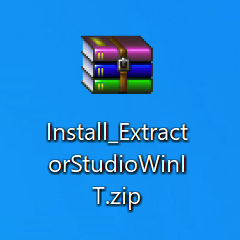
Extract its content to your Desktop and you will find the file called Install_ExtractorStudioWinIT.exe. This is the installation executable.
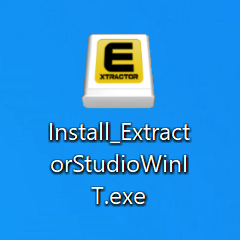
Double-click the installer file, and the setup screen will appear.
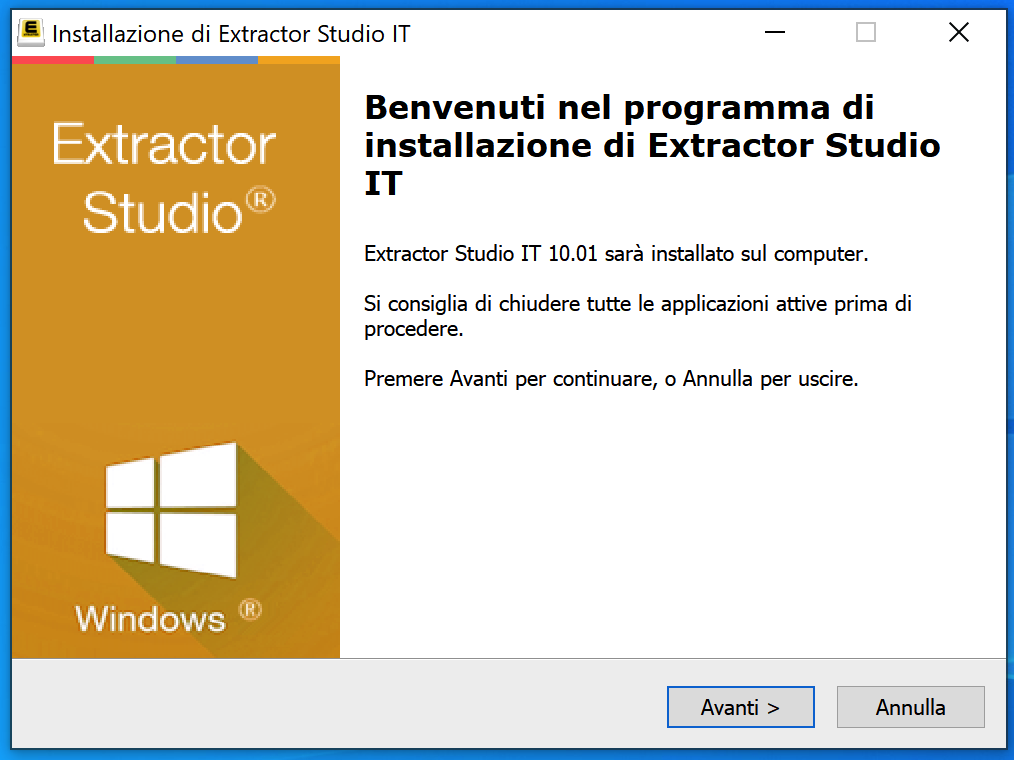
Click Next to proceed. The license contract window will be displayed.
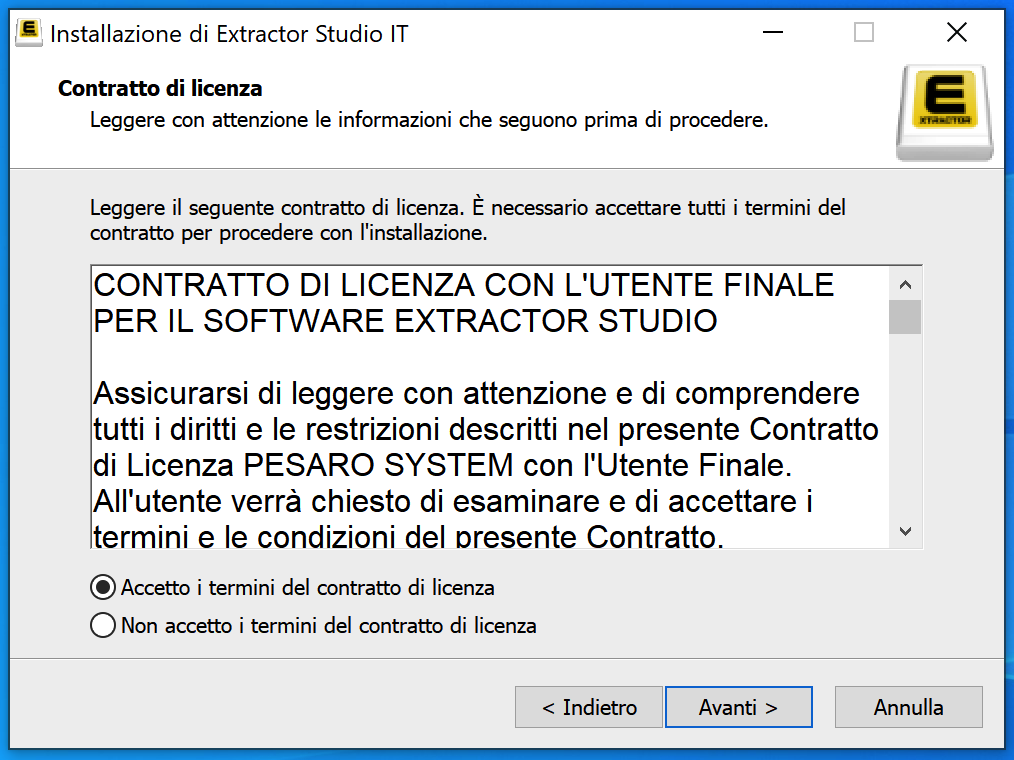
Accept the agreement and proceed through the steps until you reach the Install button.
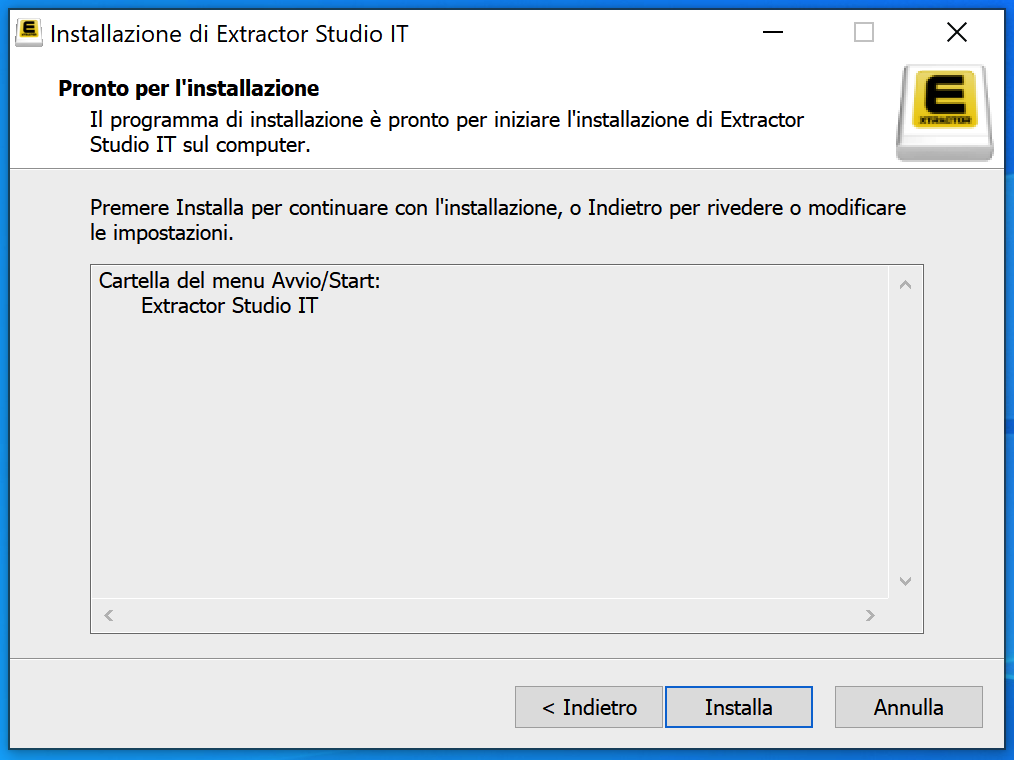
Click Install and wait for the setup to complete.
The software is now installed and you will find the program shortcut on your Desktop as shown below.
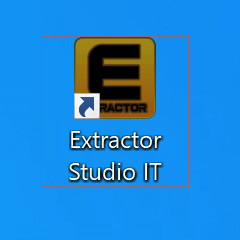
Launch Extractor Studio AI with a double-click on this icon.
Enjoy your work!
Download the free version of Extractor Studio for macOS 64-bit.
Compatible with all macOS® versions, from 10.14 onwards.
Download Extractor AI for macOS® for the Italian search engine.
Follow these steps to install the program on macOS®.
After downloading the installer, you will have a disk image file called ExtractorStudioAI.dmg
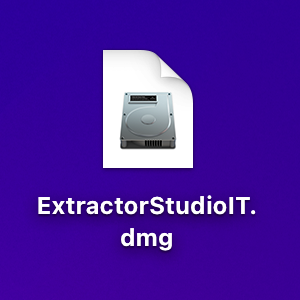
Double-click it and the software license agreement window will open.
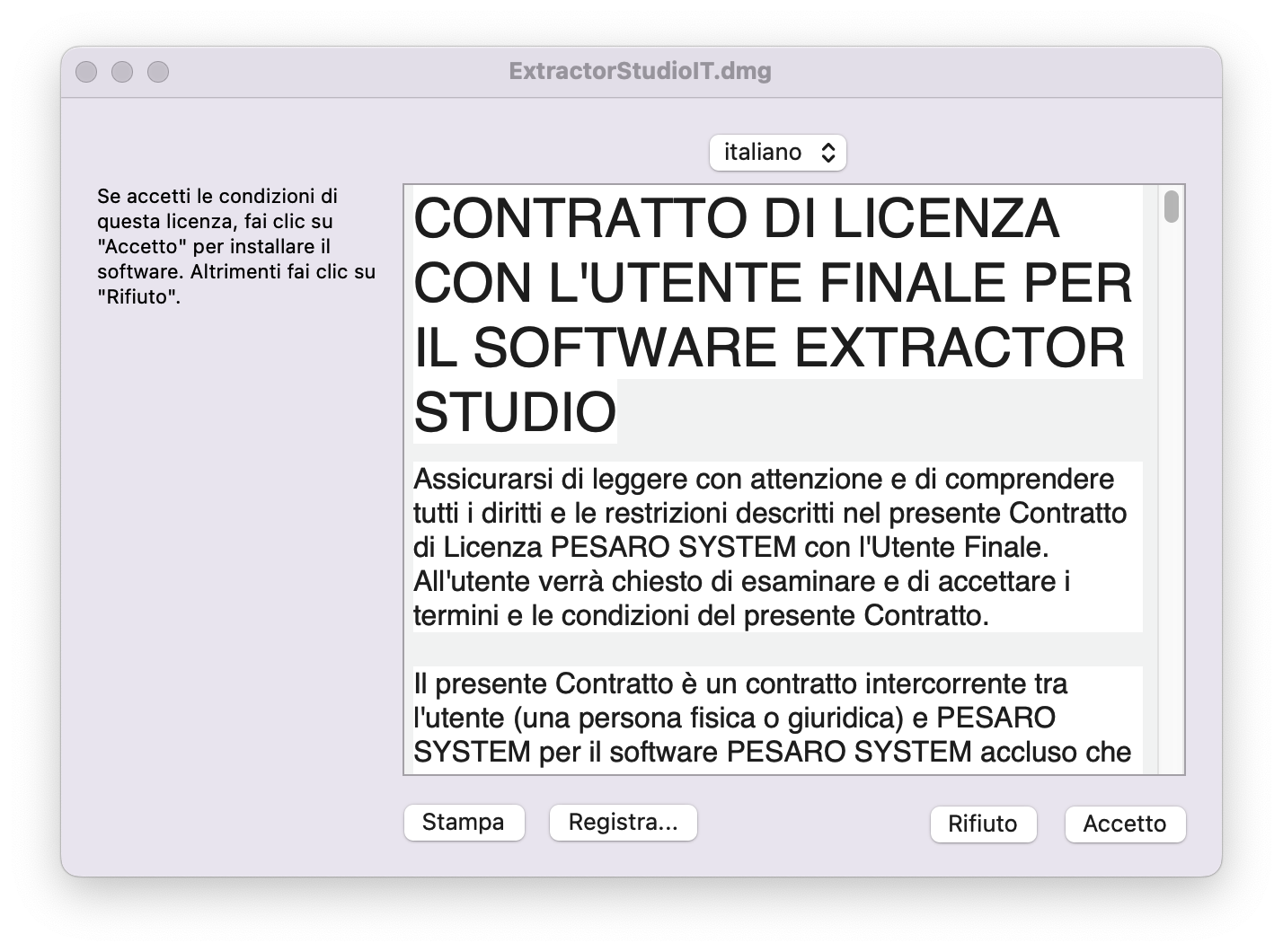
Agree to the terms to continue.
If the disk image window does not open automatically, click on the disk image icon mounted on your Desktop named Extractor Studio IT.
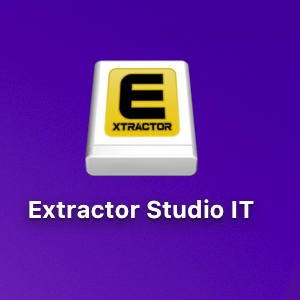
The installer window will appear as shown below.
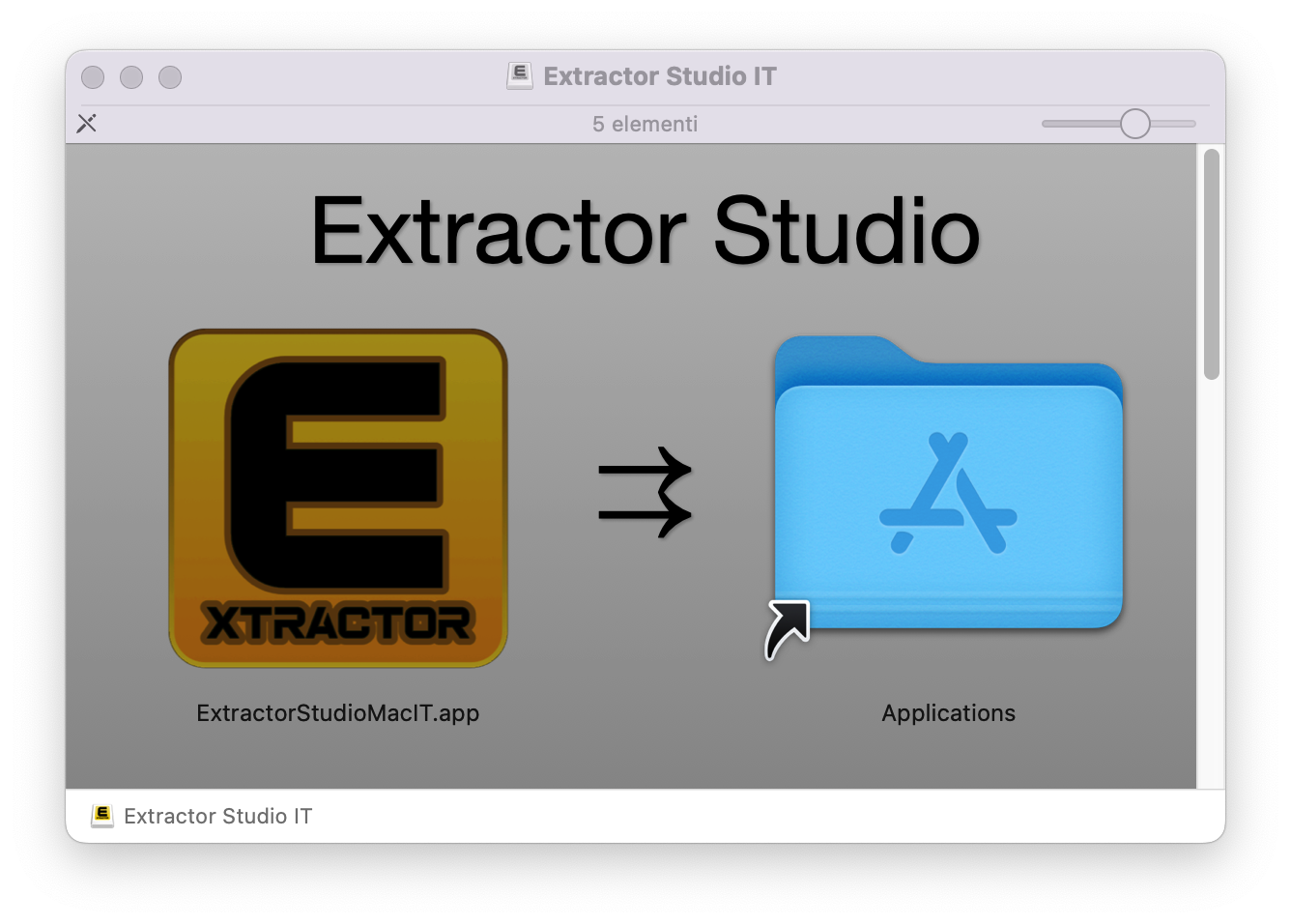
Drag the Extractor icon into the Applications folder to complete installation.
The application is now installed inside your Applications folder.
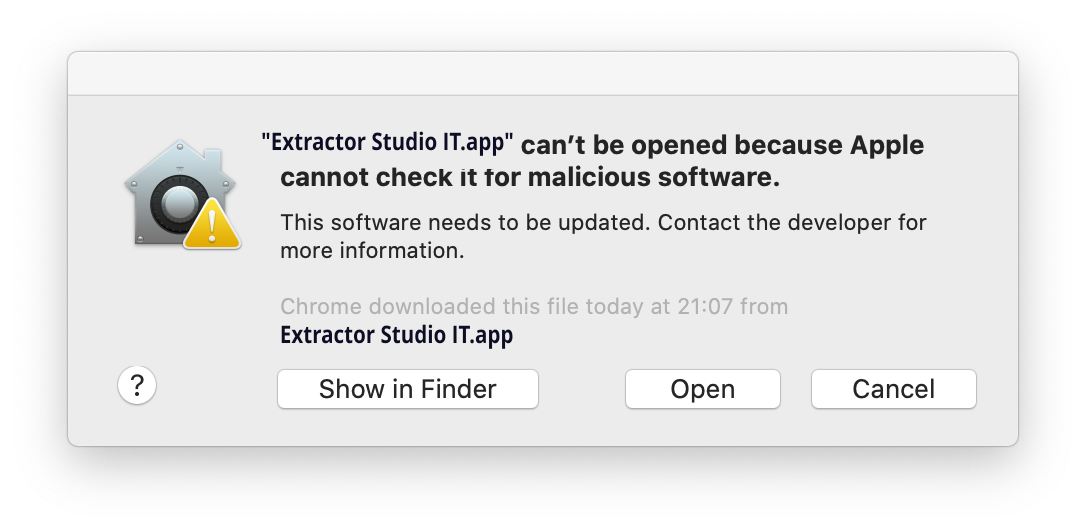
Depending on your macOS security settings, on first launch you may see a warning prompt like this:
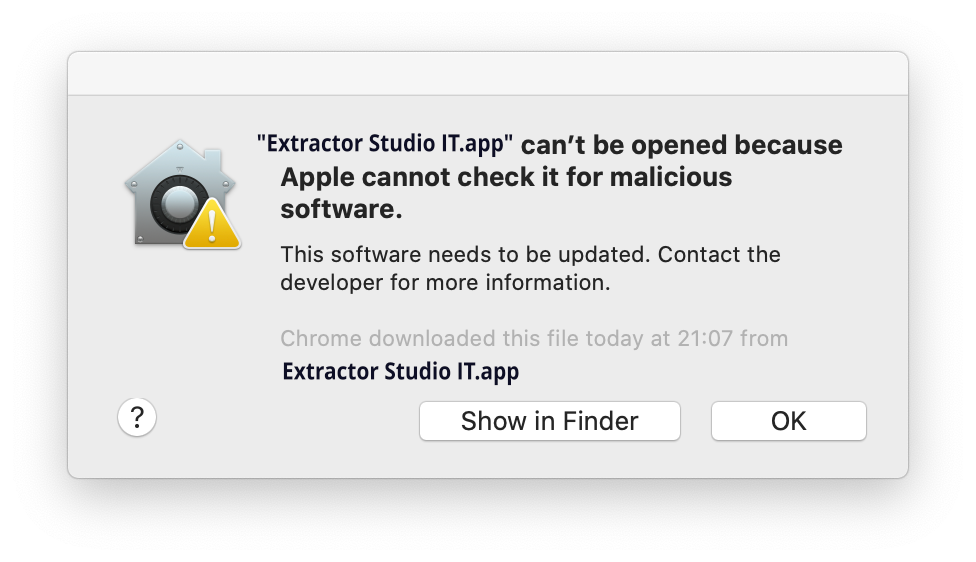
Click Ok and open System Settings / Preferences on your Mac.
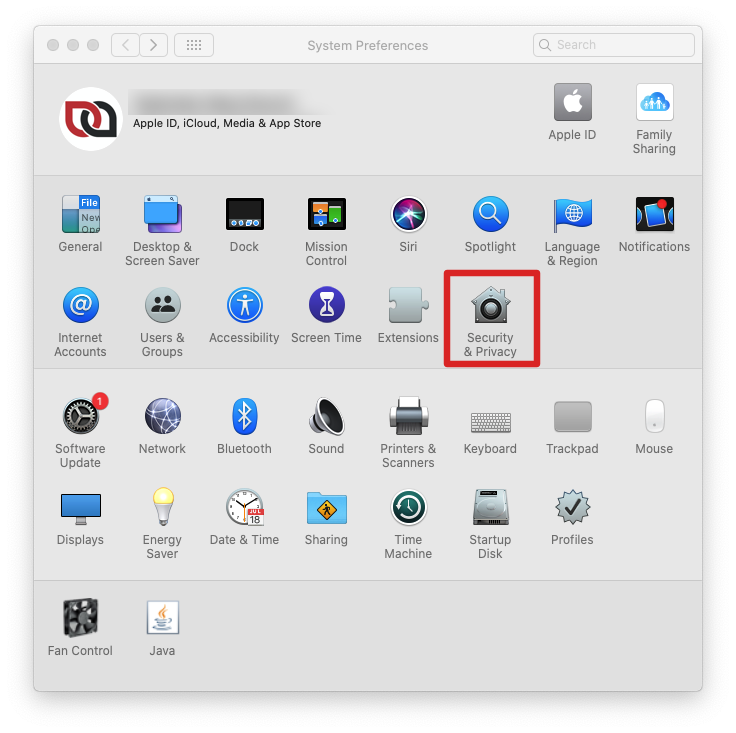
In System Settings, select Privacy & Security.
Under Security, ensure that downloads from App Store and identified developers are allowed. You will see a notification stating that Extractor Studio was blocked.
This is standard macOS Gatekeeper behavior when installing verified software directly from official websites rather than the Mac App Store.
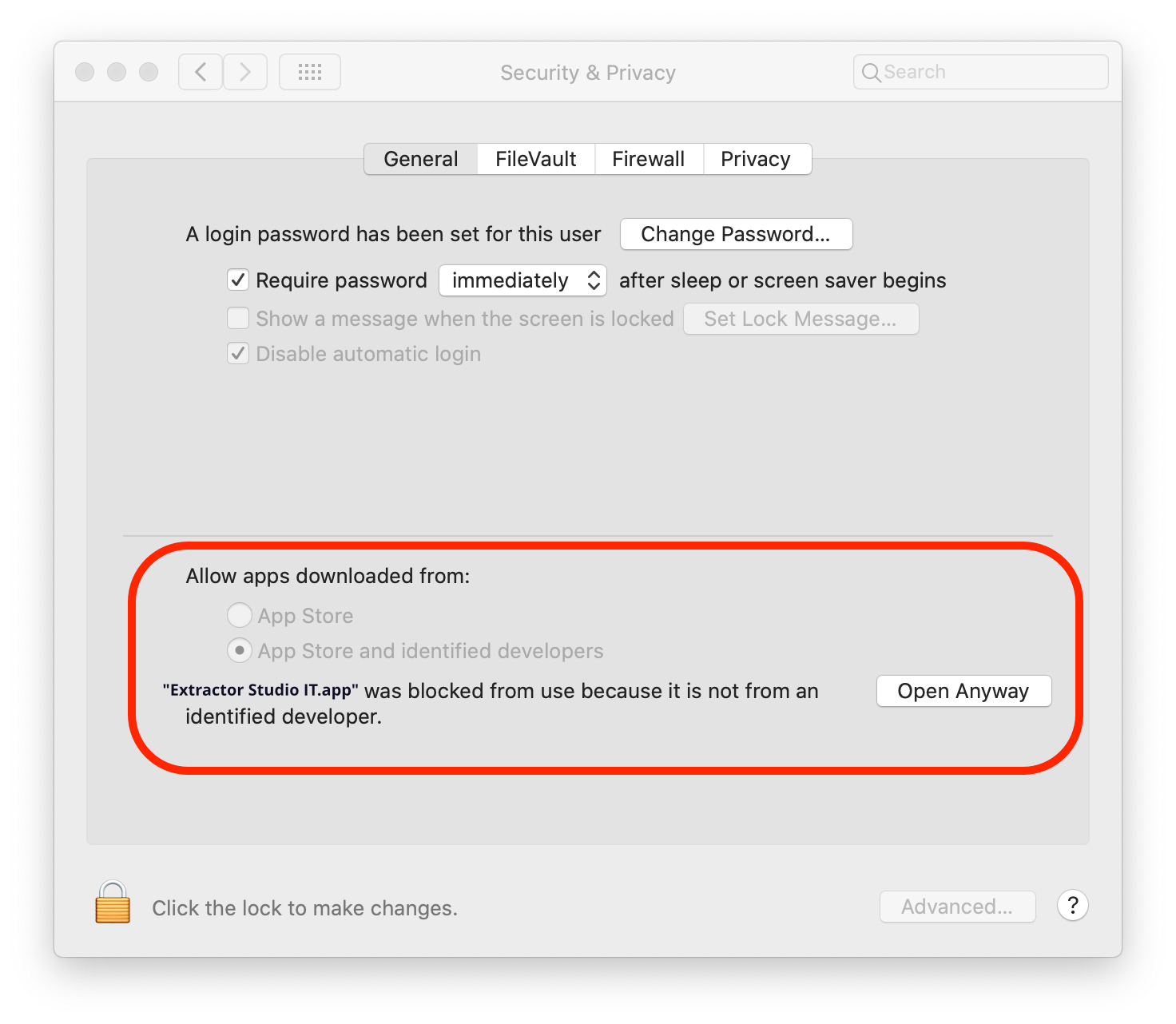
Click Open Anyway to launch Extractor Studio.
On the final confirmation prompt, click Open. Once confirmed, macOS remembers your choice and will not prompt you again.
Enjoy your work!